Appearance
You can customize ticket form to represent your brand and match your website's branding.
Ticket Form
- Headline: Set a headline for your ticket.
- Description: A description for the ticket.
- Submit button text: This is the text for the ticket submit button.
- Create button text: The text of the button for the ticket creation.
- Message after submitting ticket: The text to display your user after submission of ticket.
Branding options
- Brand Color: Choose your brand color to match your website's look and feel.
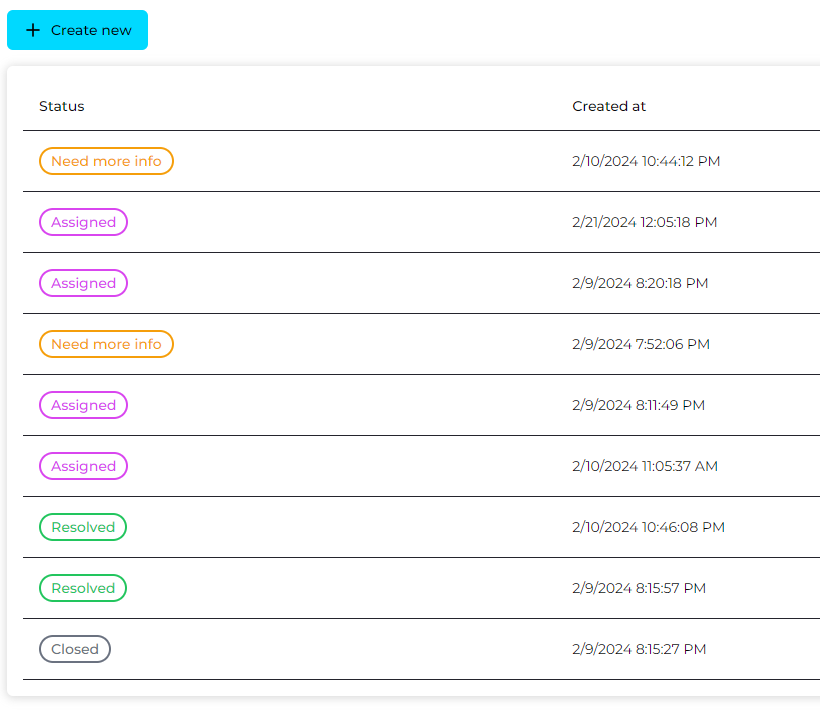
- Theme: You can select the theme of the ticket and ticket's table -
LightorDark.
Snapshot of ticket widget with Brand Color and Light theme