Chatbot Appearance
You can customize chatbot to represent your brand and match your website's branding.
Chatbot
- Headline: Set a headline for your chatbot.
- Description: A description for the chatbot.
- Show FAQs: Controls the visibility of FAQ center on the chatbot.
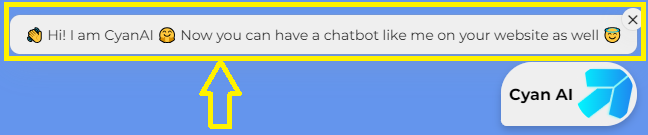
- Welcome Messages: Messages that will appear over the chat bubble to grab user attention.
- Default Questions: These are the question to help out your users.
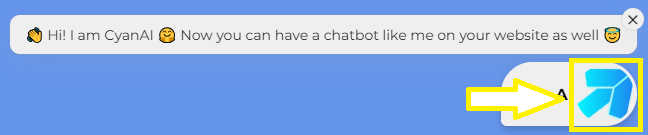
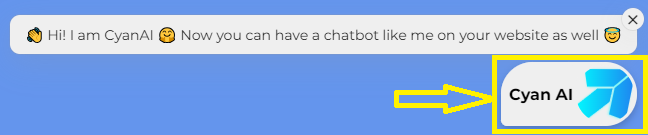
- Bubble Message: The message to display on the chat bubble.
Branding options
- Brand Color: Choose your brand color to match your website's look and feel.
- Theme: You can select the theme of the chatbot -
LightorDark. - Position: Select if the chatbot should be positioned on
RightorLeftside of the screen. - Icon